How to Remove Pop-up Google Ads and Chrome Notifications

If you find that you are being bothered by ads on your phone, there are several ways to remove the annoying Google ads or Chrome notifications. These steps may help you to remove unwanted ads or notifications effectively, such as using an ad filter, turning off ads, or showing them. Our article today will help you to remove annoying ads or notifications. If you are looking for some guidance, this article is for you. It will provide you with useful guidelines on how to use these applications and websites without being bothered by ads.
Remove all ads as per Google Ads instructions.
If you want to turn off all ads as per Google Ads' recommendations, you can follow these steps:
1. Log in to your Google Ads account via the website https://ads.google.com.
2. Select the campaign or ad group you want to close ads from using the menu on the left side of the screen.
3. In the top menu, click on "Settings" and select "Customization".
4. In the left menu of the screen, click on "Ads" and select "Disable Ads", then disable all ads in that campaign or ad group.
5. Press the "Save" button to save the closing of the ad.
However, you should be aware that ads from other sources may still appear.
M Creation recommends
In addition to articles, our M Creation also provides TikTok Ads , Linkedin Ads , Google Ads , and Facebook Ads for those who are interested in using the service.
Remove Google Play Ads
If you want to remove Google Play ads on your Android phone, you can follow these steps:
1. Go to the Google Play app on your phone.
2. Tap the gear or three-line menu icon in the top-left corner of the screen to open the settings menu.
3. In the back menu to open the settings menu, tap on "Settings".
4. In the settings page, tap “Usage”.
5. On the usage page, tap on "Ads".
6. On the Ads page, you will see options such as “Interesting to you” or “Opt out of ads related to marketing tools.” Tap on the option you want to adjust and follow the instructions that appear on the screen, such as toggling a switch to turn off ads or customizing your ad settings to your liking.
7. Once you have customized your ad settings as desired, tap the “Save” button to save your changes.
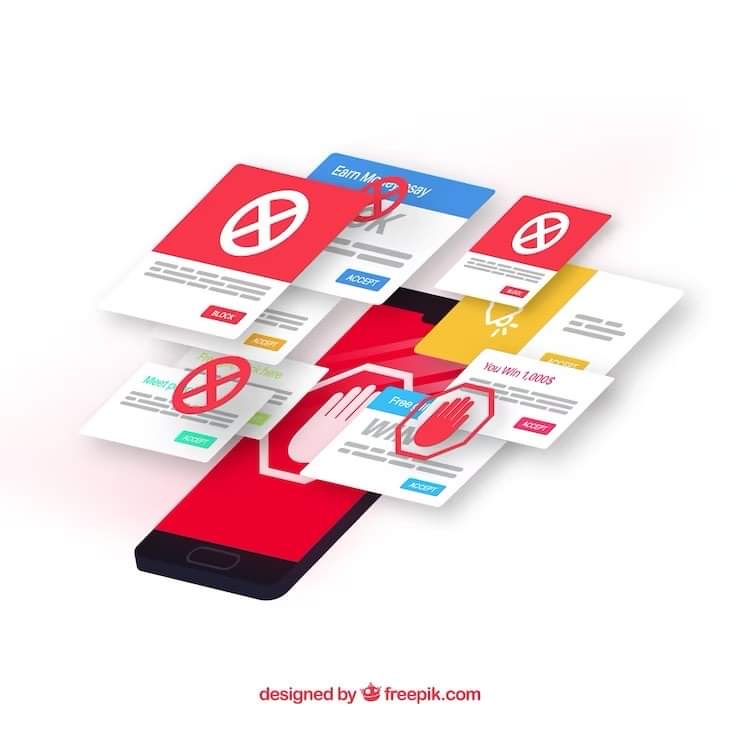
Steps How to turn off Google ads on your phone
To turn off ads in Google Chrome app on your Android mobile phone, we have a way to turn off ads on Google Chrome mobile that you can follow the steps as follows.
1. Start by opening the Google Chrome app on your phone.
2. Tap the gear or three-line menu icon in the top-right corner of the screen to open the settings menu.
3. In the settings menu, click on "Site Settings".
4. In the site settings page, click on "Ads".
5. On the Ads page, you can choose to turn on or off the display of ads by using the switch with the "+" or "-" sign in the settings.
6. Once you have customized your ad settings as desired, tap the “Save” button to save your changes.
However, you may still be served ads from other sources that cannot be turned off. If you want to completely turn off ads, you may need to consider using an additional ad-blocking application or enabling ad-blocking criteria on your device.
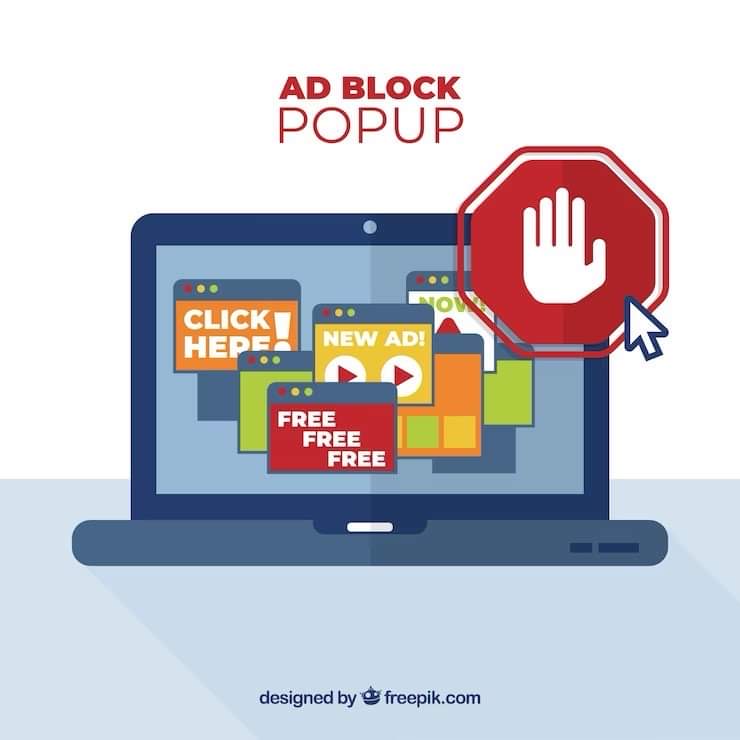
Remove ads from your device to protect yourself from threats from problematic apps.
To disable pop-up ads or remove them from your device to protect against threats from problematic apps, you can do the following:
1. Install an ad-blocking application from a trusted source in your app store, such as AdBlock Plus.
2. Update the app you are using to the latest version and scan for any ads that may be spam or inappropriate content by browsing the app settings or looking for an option to “block ads” or “prevent pop-up ads”.
3. If pop-up ads are a problem on your browser, such as Google Chrome or Safari, you can disable pop-up ads by setting your browser and enabling the “Block pop-up ads” or “Prevent pop-up ads” options.
4. Clear your browser's cache and cookies regularly to delete data used to display ads.
5. Be careful of apps you install from untrusted sources and read reviews, ratings from other users to check their reliability and any advertising related issues.

Introducing the service of making Google Ads to make your business shine before anyone else from M-Creation , an advertising agency , for the opportunity for businesses to get ahead of the competition and become popular before anyone else. This advertisement highlights the advantages of partnering with M-Creation, such as pioneering expertise, tailored strategies , making Google Ads on the first page, early market penetration , creating a page with a lot of followers , and excellence in creativity. By emphasizing the benefits of being an early adopter and the potential to reach the market by leveraging the power of Google Ads, which is a contact information for individuals interested in taking the next step and starting the journey to business success. Affiliate marketing
 Facebook
 LINE
LINE



 Chat on LINE