Google Ads Guide: How to Build a Successful Campaign

In 2024, whether small, medium, or large businesses, everyone is interested in Google Ads. How to do it? Because when most people have questions or want to find information, they tend to use Google to search, including searching for products and services. As a result, Google Ads is the most used for advertising on Google. Today we're here to update you on how to do Google Ads, along with introducing how to advertise on Google for free with 6 ways to create a successful Google Ads campaign.
How does Google Ads work? How important is it for acquiring new customers?
Google Ads help you show ads to people who search for products or services on Google Search and other websites, allowing you to reach your target audience directly. Because Google has a vast database of information in every aspect, many people choose to use it.
When someone searches for information, Google ads appear on the first page of Google Search. This makes it easier for people to choose to visit your website, which can increase visits to your website and also increase conversions. You can set up Google Ads campaigns to drive conversions, such as making a purchase, filling out a form or signing up.
What is Google Ads?
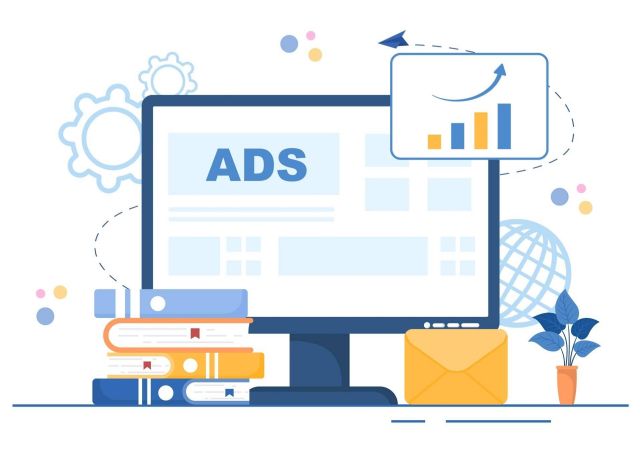
Google Ads is Google's online advertising platform that lets businesses display ads on Google Search, YouTube, Google Maps, and other Google-partnered websites.
How to create a Google Ads ad? Let's take a look.
- Create a Google Ads account: Go to ads.google.com and click “Get started.”
- Create a Google Ads ad
- Write engaging and interesting text.
- Select your bidding method and bid price
- Track, analyze campaign results and make adjustments as needed.
- To turn off Google Chrome ads or opt out of Google ads, you can check the box next to the ad you want to remove, click the edit drop-down menu, and select remove.
Must-Know Terms About Google Ads
Ad Rank
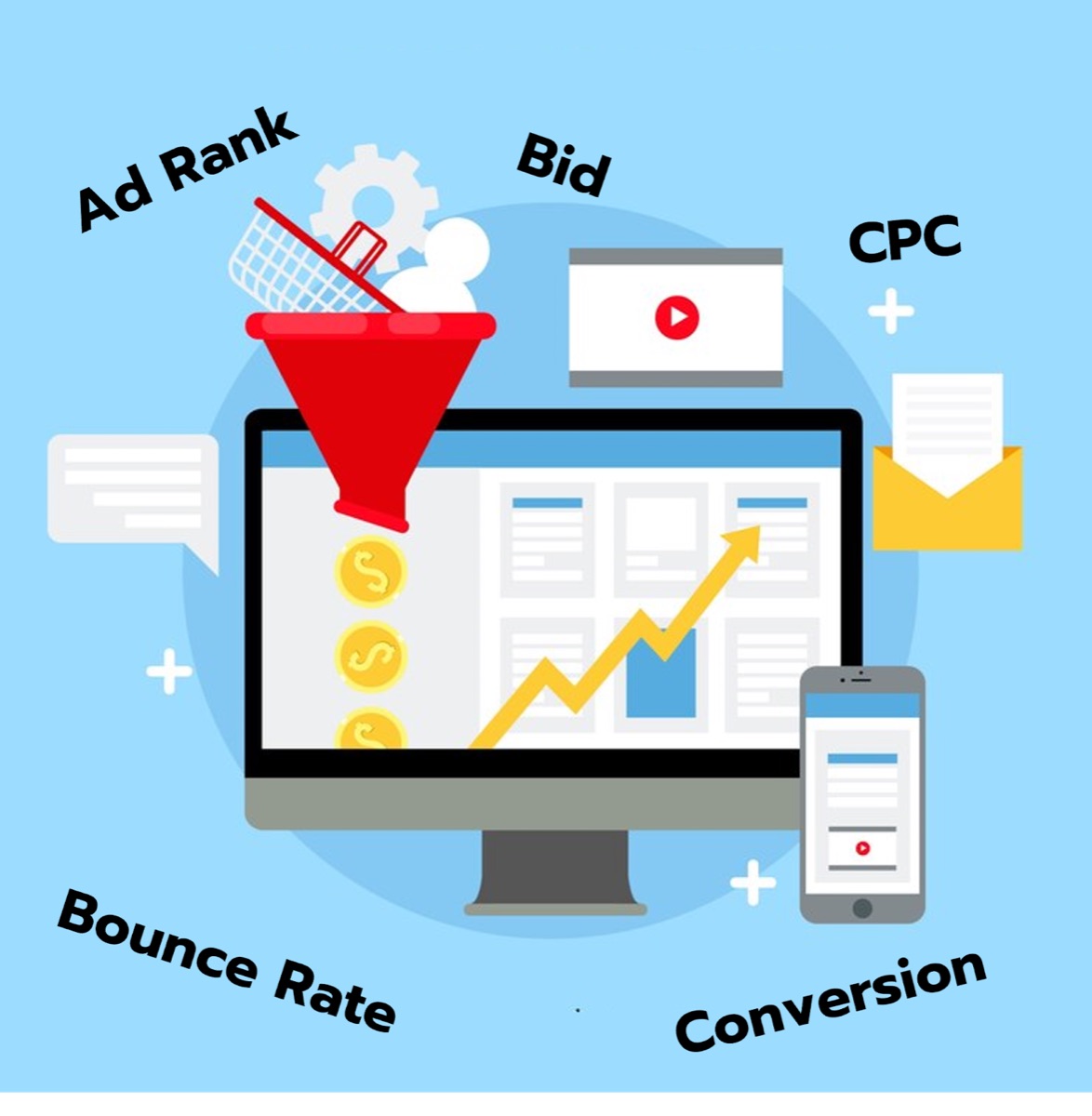
Ad Rank in Google Ads is a score that determines where your ad will appear on a search engine result page (SERP). It is calculated based on an auction: the higher the bid, the higher the Ad Rank score, and the better the ad quality, the higher the Ad Rank score.
Generally, ads with a higher Ad Rank are more likely to appear in better positions and pay less, as Google wants to show ads that are relevant and useful to users.
Average Position
Average Position is a data that shows the average position your ad appears on a search engine result page (SERP). Average Position has been deprecated and replaced with more accurate data:
- Impression (Top) %: Percentage of impressions where your ad appeared in the top 4 SERPs (including #1).
- Impression (Absolute Top) %: Percentage of impressions where the ad appeared in the #1 position on the SERP.
Average Position is no longer available in Google Ads and Impression (Top) % and Impression (Absolute Top) % should be used to analyze ad position as they provide a clearer picture of whether or not your ad is actually showing in a very high position.
Bid
Bid refers to the maximum amount you are willing to pay for a click on either of the two types of ads: CPC (Cost Per Click): Pay when someone clicks on your ad CPM (Cost Per Thousand Impressions): Pay when your ad is displayed one thousand times.
Bid strategies include Manual Bidding: Set your own bid amount, or Smart Bidding: Google uses Machine Learning to determine the right bid amount. Bids can be set in Google ads at the campaign, ad group, and keyword level.
Bounce Rate
Bounce Rate is the percentage of website sessions where visitors leave your site without viewing any further pages beyond the one they originally visited. For example, if 100 people click on your Google Ads ads and visit your site, but no one clicks on any other links or tabs on your site, the Bounce Rate would be 100%. This means that the Bounce Rate should be minimized.
Bounce Rate can indicate whether the ad is targeted to the target audience or not, whether the landing page is interesting and easy to use or not.
Click Through Rate
Click Through Rate (CTR) is the percentage of ad impressions that people click on. It is calculated by dividing the number of clicks by the number of impressions and multiplying by 100%. CTR is an indicator of whether an ad is engaging or not. A good CTR should have a high value. To increase CTR, you should write ads that are attractive and interesting, and use relevant keywords.
Conversion
Conversions refer to any action a user takes on a website. Conversions indicate how well a Google Ads campaign is achieving its goals. High conversions indicate that a campaign is effective, attracting interested users and driving them to take desired actions.
The way to increase conversion is to create a good landing page with a clear CTA (Call to Action) to make the website more user-friendly and stay on the website longer.
Cost Per Click
Cost Per Click (CPC) refers to the amount you pay each time someone clicks on your ad. It's the most common way to pay for advertising in Google Ads. If other advertisers are bidding on the same keyword, the CPC may be higher. If your ad is of high quality, Google may reduce the amount you pay.
Overall, CPC is a common and useful advertising payment method, but it’s important to understand how it works, what factors affect CPC, and its pros and cons before using this strategy.
Keywords
Keywords are words or phrases that users type into Google Search Engine to find information. Keywords play a crucial role in SEO and SEM to target ads to users, helping them understand what users are searching for on a website. Tips on choosing Google Ads keywords and using Keyword research tools will help you find high-search keywords.
Quality Score
Quality Score is a score between 1 and 10 that Google gives to each keyword in a campaign. It reflects a keyword's relevance, performance, and user experience, and affects ad position and cost per click (CPC).
What Quality Score assesses:
- Relevance Are the keywords relevant to the ad group and landing page?
- Ad Text Does the ad text contain keywords and attract users?
- Does the landing page meet user expectations and is it easy to use?
Impressions
Impressions refer to the number of times an ad is displayed on a user's screen, but do not necessarily mean that the user actually sees the ad. Impressions differ from Reach in that Impressions refer to the number of times an ad is displayed, while Reach refers to the number of users who see the ad.
Impressions indicate how widely your ad was shown. High impressions indicate that your ad was shown to a large number of users. Is your ad relevant to your target audience? High impressions but low CTR (Click-through rate) indicates that your ad may not be relevant to your target audience.
How many types of Google Ads are there? What are they?
There are many different types of Google Ads, each suited to different goals and audiences. The main types of Google Ads include:
1. Search Network Campaign Text ads that appear on Google search pages are ideal for businesses looking to reach users who are searching for products or services.
2. Display Network Campaign Image, video or text ads displayed on websites and applications. Suitable for businesses that want to build brand awareness and reach a wider target audience.
3. Video Campaign Video ads displayed on YouTube and partner websites are ideal for businesses that want to present their products or services through video.
4. Shopping Campaign Advertise products that appear on the Google Shopping search page. Suitable for businesses that want to sell products online.
5. App Campaign Ads displayed on Google Search, Google Play, YouTube and websites are ideal for businesses that want to promote their applications.
6 Ways to Create a Successful Google Ads Campaign 2024

1. Use the target audience definition feature as clearly as possible.
- Clearly identify your target audience
- Create more personalized ads
- Study and set a Google Ads budget that is appropriate for your target audience.
2. Increased use of Machine Learning and Automation
- Google Ads will increasingly use machine learning and automation to help marketers build and manage campaigns more effectively.
- Smart Bidding tools automatically adjust your bids to achieve the best results.
Automation tools help you do things like create ads, manage audiences, and generate reports.
3. Focus on measuring ROI (Return on Investment)
- Marketers will place greater emphasis on ROI measurement
- Google Ads will have new tools to help marketers easily measure the ROI of their campaigns.
4. Using Performance Max campaigns
- Performance Max campaigns are a new campaign type that lets marketers run ads across all Google Networks.
- Performance Max campaigns help marketers reach a wider audience and increase conversions.
- Advertising on YouTube is getting more important, Google Ads will have new tools to help marketers create effective YouTube ads.
5. Update the Landing Page in Google Ads to match the content.
- Landing Page must be relevant to the ad.
- Design a user-friendly landing page
- Encourage users to take action
6. Analyze results and refine campaigns.
- Regularly track campaign results
- Analyze data and find weaknesses
- Customize your campaigns to improve performance
M creation Agency We accept Google Ads to help your business reach your target audience directly. We also take care of the entire campaign to make your Google Ads campaign a success.
 Facebook
 LINE
LINE



 Chat on LINE