How to Report a Problem and Contact TikTok Thailand

Reporting a problem on Tiktok How to contact Tiktok Thailand How to do it
Since TikTok has become a very popular application with a large number of users, and it is easy to use, it can add fun in many ways. But even though the app developers have designed the usage to be very convenient,
But there may be a day when we have to contact the application staff to report a problem. But for those who may be users or general users, they may not know how to contact them and which channels should be used to contact Tiktok Thailand.
Why is it so difficult to contact Tiktok Thailand!!
Many people who have had experience contacting Tiktok Thailand often have the same opinion that "Why is it so difficult?" That's because the Tiktok application is an application that was created and developed in China, or known in China as "Douyin". It was created in 2016 and has been developed continuously until it became popular worldwide in 2018.
With its easy-to-use features, full-on fun, easy sharing and hashtag #Hahstag following various trends, TikTok has quickly become popular, with hundreds of millions of downloads worldwide. It is available in 155 countries and supports 75 languages worldwide.
Although each country has a team of application administrators and developers stationed in that country, because the parent country of the app is a foreign platform, contacting them is more difficult than platforms that are created and developed within the country. But today, we have compiled a method of contacting TikTok that we expect will be useful for users who encounter problems.
M Creation recommends
In addition to articles, our M Creation also provides TikTok and Google Ads services for those who want to advertise on TikTok and Google.
The easiest way to contact Tiktok
The easiest way to contact or report a problem on TikTok is to contact the problem report through the following contact channels:
TikTok's official website and page
TikTok has content distribution channels and help centers in the following channels:
- Website https://www.tiktok.com/
- Facebook page: https://www.facebook.com/Thailandtiktok/
- TikTok account: tiktokthailandofficial
- Email : feedback@tiktok.com
Sending reports or suggestions via Email
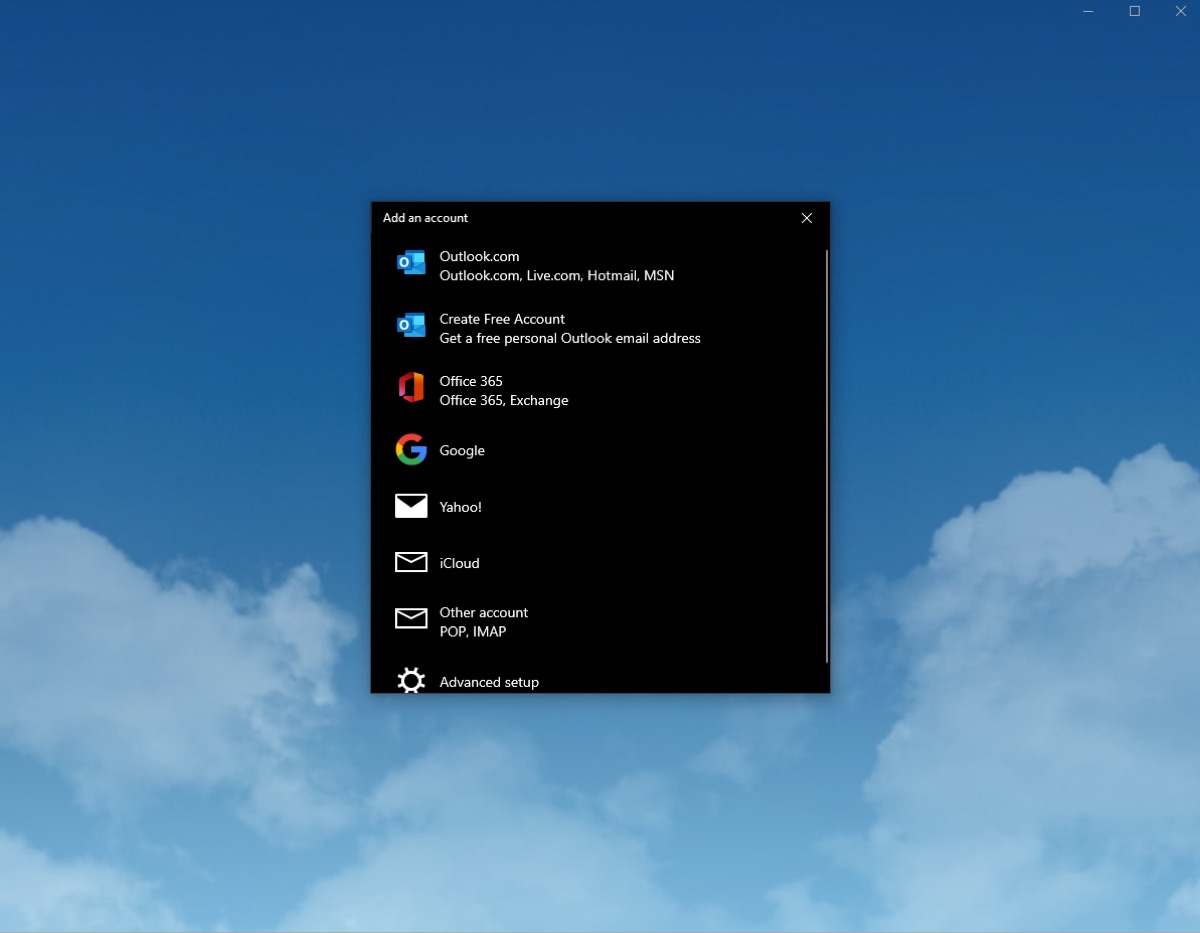
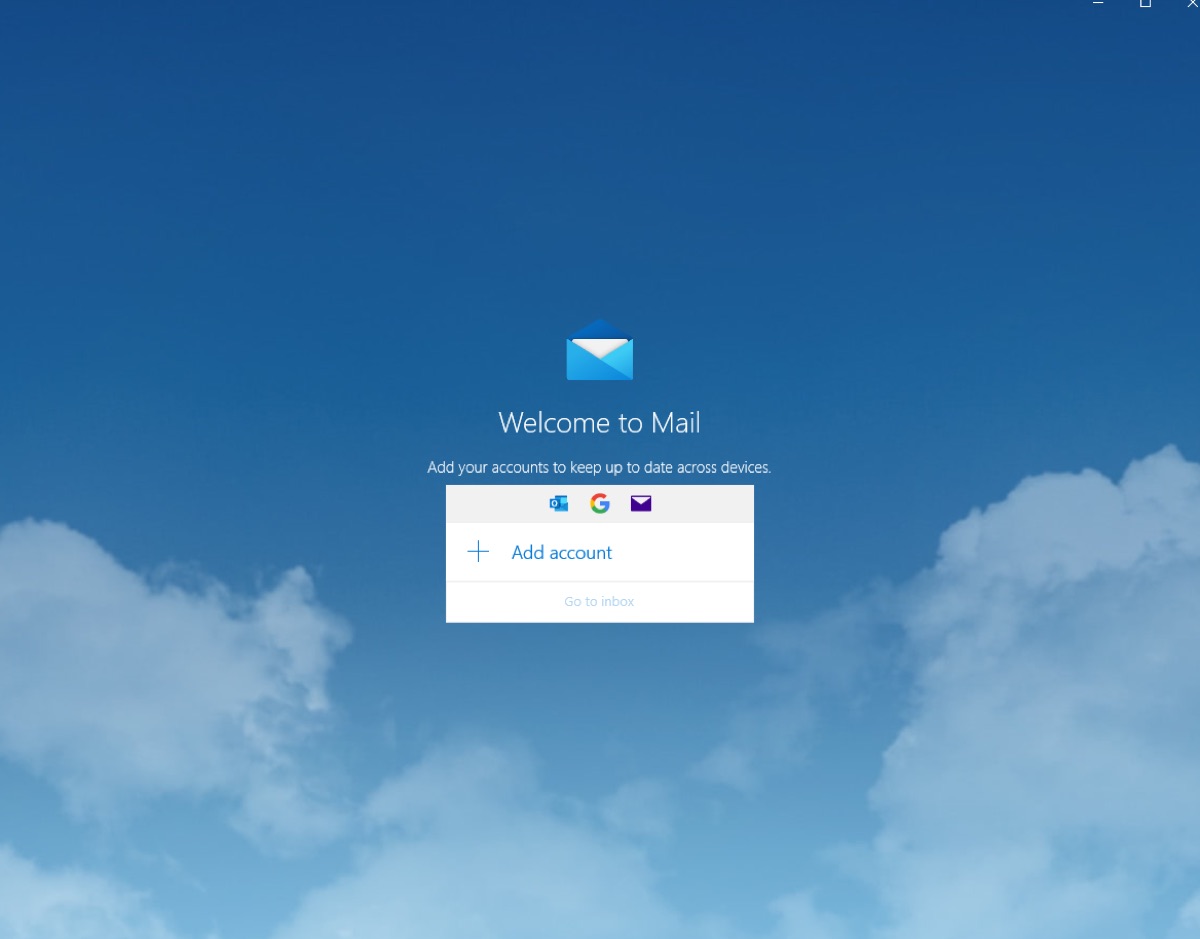
The method of sending is to send feedback to feedback@tiktok.com , select the email login channel (Log in) and send the problem report you found (it is recommended to send in English).
Submitting reports or suggestions via the website
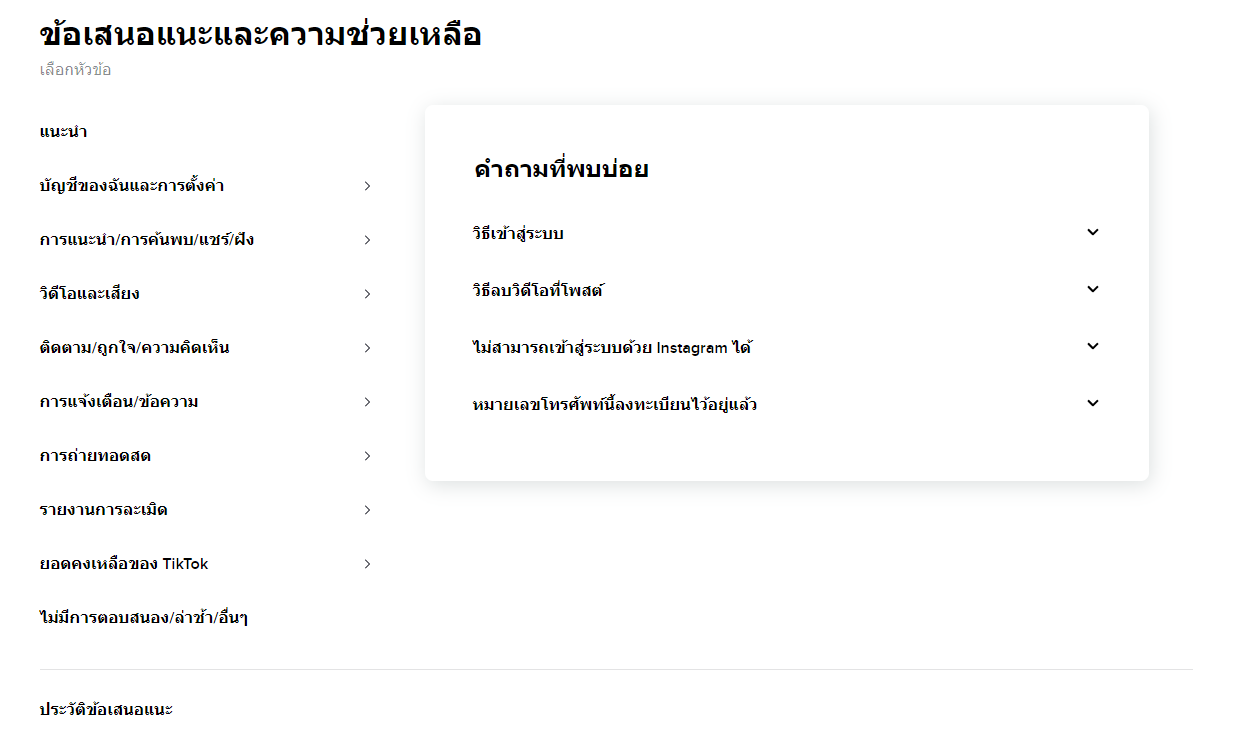
The method is to go to the official Tiktok website at https://www.tiktok.com/ , then reduce the 3 dots next to the Log in or Sign in button, then press to go to Suggestions and Help, then press to select the problem you are facing to receive advice and solutions.

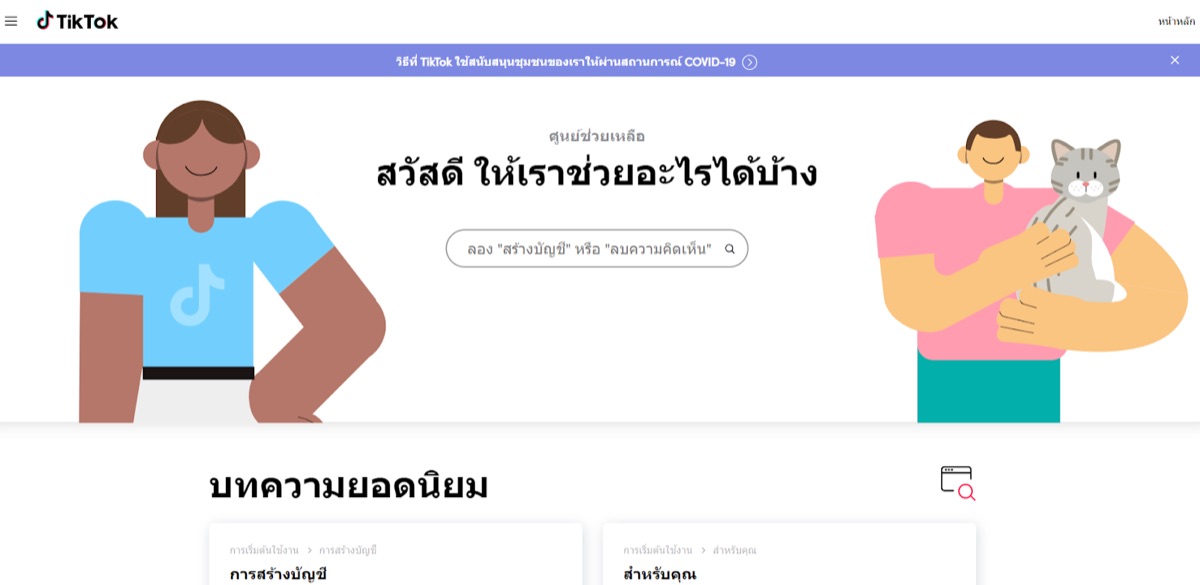
Or contact https://support.tiktok.com/th for advice and solutions.
How to contact Tiktok, money transfer failed, withdrawal failed, money did not enter the account
For those who participate in Tiktok activities, some of which have prize money that can actually be withdrawn, such as inviting friends to receive prize money, watching videos for a limited time, many people after participating in the activity often encounter problems with not being able to withdraw money, having problems with transferring Tiktok money not entering, can be solved as follows:
- Your Tiktok account must be connected to a financial account first, such as Truemoney / PromptPay or bank transfer.
- Select the amount you want to withdraw. The system will let you choose to withdraw 3 baht / 15 baht / 60 baht / 100 baht and 120 baht at a time. **Caution about withdrawing money in Tiktok You cannot withdraw all of it. Because each withdrawal must have at least 40 baht left in the Tiktok account. For example, if you have 120 baht in your Tiktok account, you can withdraw only 80 baht.
If the financial account is linked but the money has not yet been credited, what should I do?
- 1. Go to your financial account page on Tiktok, then click on the (?) symbol at the top right of the screen.
- 2. When you click on it, you will see the topic “Suggestions and Help”.
- 3. Select the sub-section “The amount withdrawn did not go into your E-Waltet account or bank account.
- 4. The initial instructions of the Tiktok application are to save the withdrawal evidence such as the amount, time, and account in the transaction history page.
- 5. Then press back to the “Suggestions and Help” page, then press the “Documents and Pens” symbol.
 To write a petition
 - 6. Enter the transaction details that have the problem. The information that must be entered completely is the transaction picture, withdrawal time, withdrawal amount, and the financial accounting system used. Then press “Report”.
How to contact Tiktok Business
For Tiktok Business contact channels, please visit www.tiktok.com/about/contact.
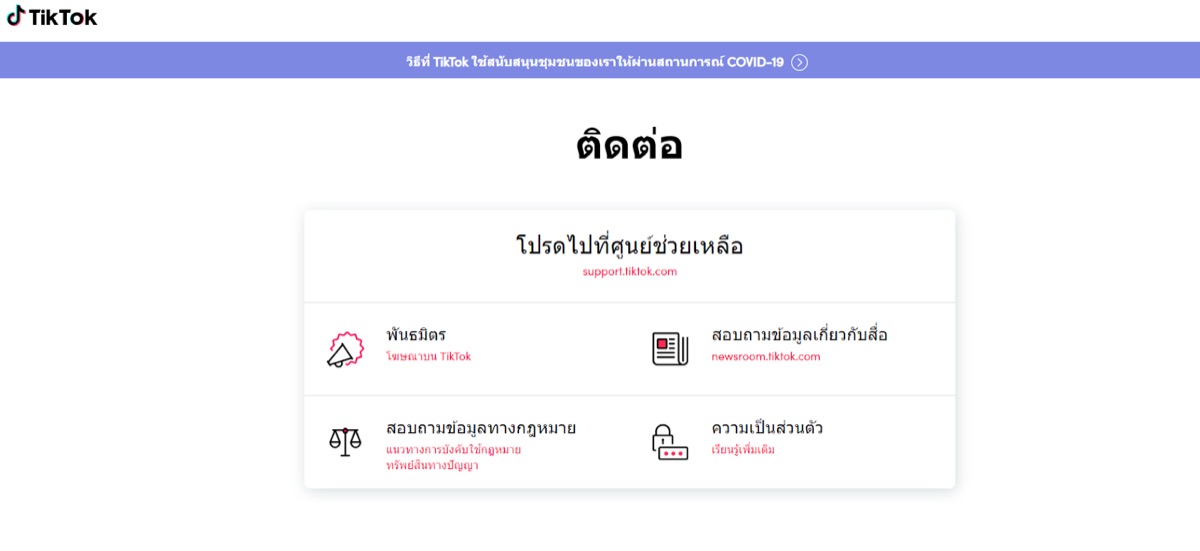
Then click on “Partners, Advertise on TikTok”. The system will take you to the Tiktok Business page.
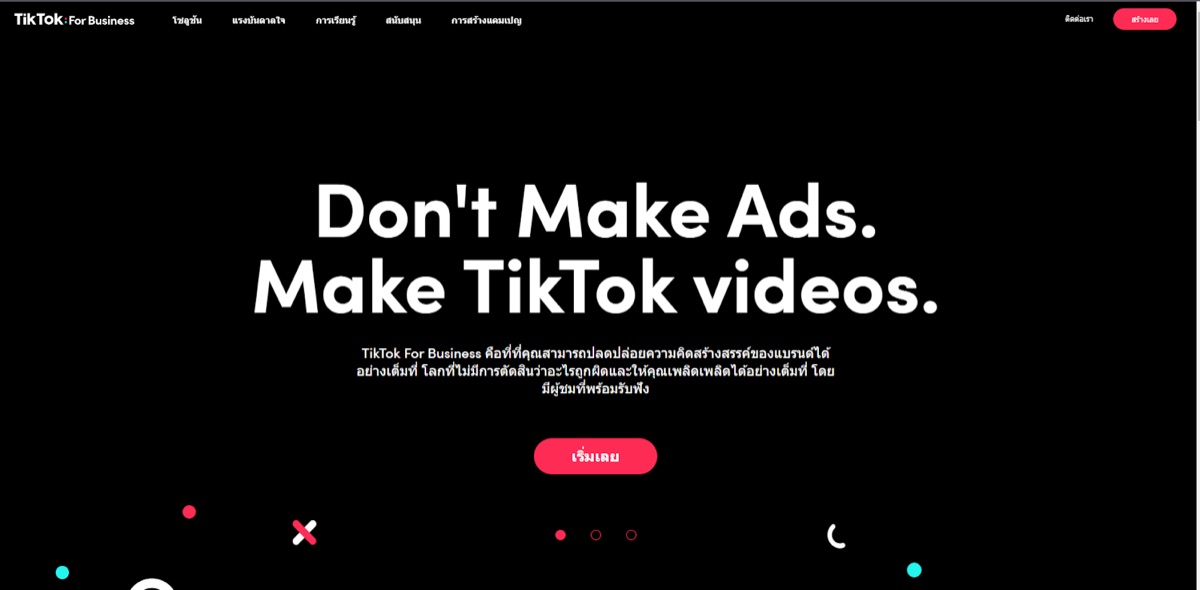
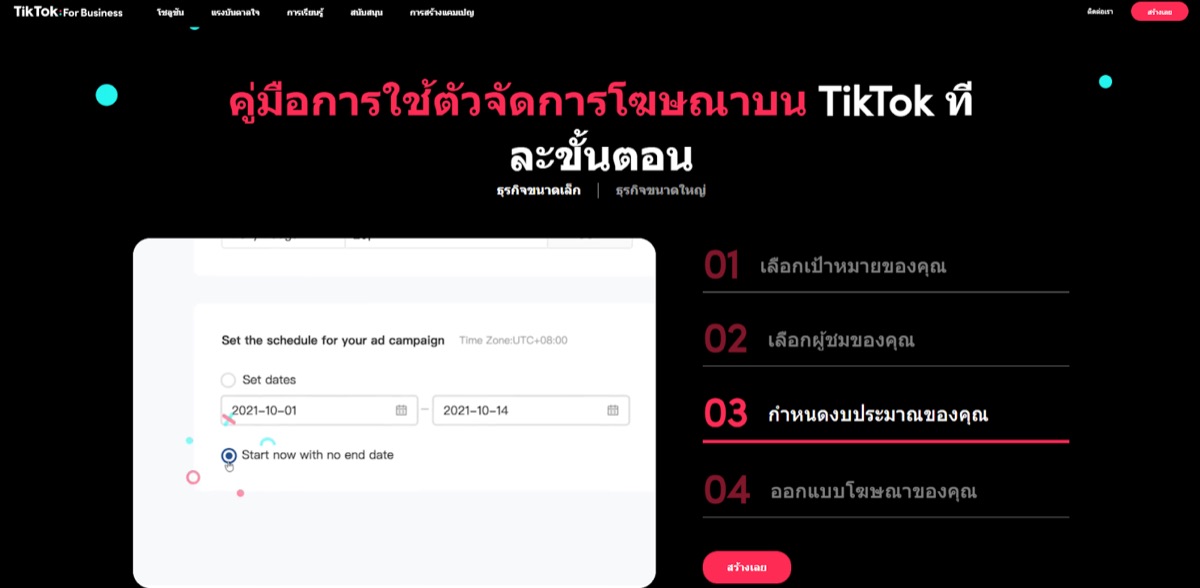
Scroll down the website window until you reach the “Step-by-Step Guide to Using TikTok Ads Manager.” There are instructions for each business on that page. Just follow the instructions.
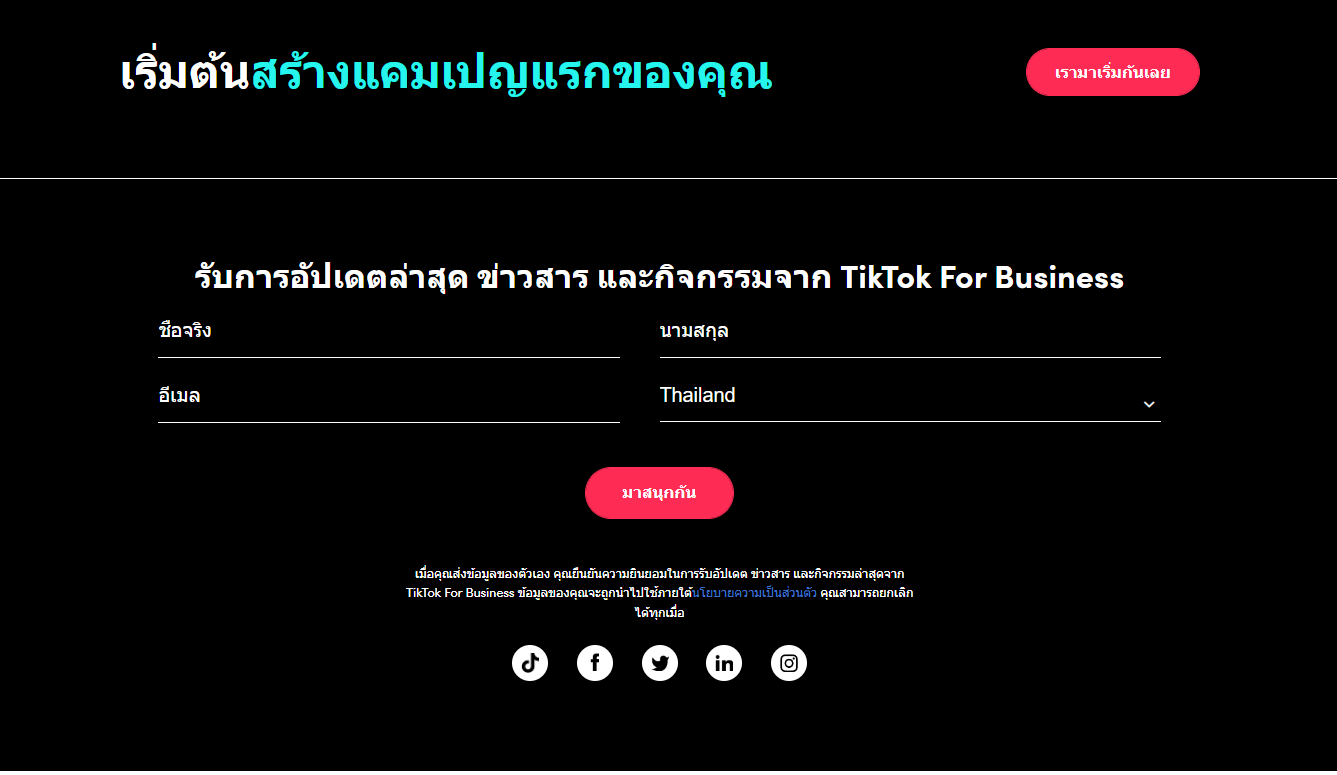
Or you can register so that TikTok1 staff can contact you back.
How to contact TikTok staff about Tiktok advertising accounts, such as ad shooting, failed ads, ad account closed
In the group of customers who have Tiktok advertising accounts, there may be times when shooting Tiktok ads has problems, sometimes the shooting does not go through, the post is blocked, or the worst is the Tiktok advertising account is closed. If these problems occur, they can be solved as follows:
1. Log in to your Tiktok Business account to access the Dashboard page.
2. Click on the (?) symbol at the top right of the screen. When you click on it, you will see the “Advertiser Support” topic.
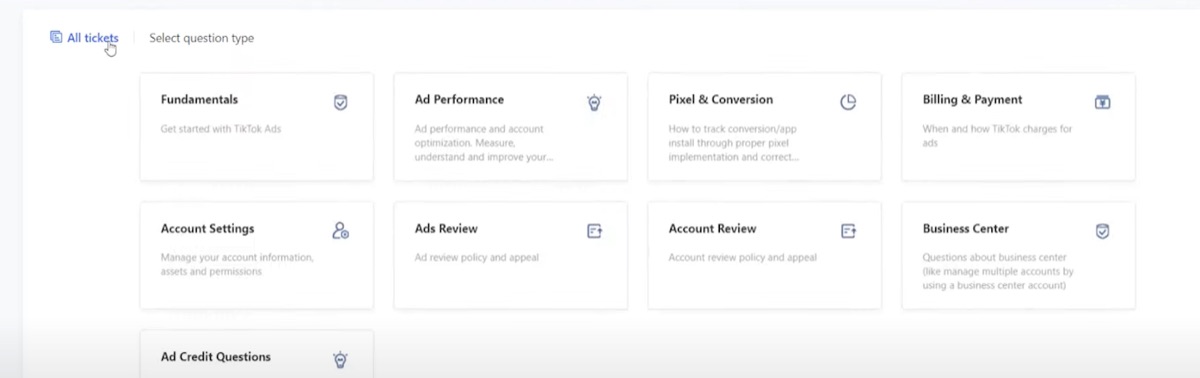
3. When you press it, you will see a menu for help as follows:
- Foudametats for general Ads consultation
- Ads Performance for advertising control consulting such as campaign design
- Pixel & Convertion for consultation on Pixel tools and Convertion settings.
- Billing & Payment For consultation on advertising top-up and quotation request
- Acconunt Settings for consulting on account customization such as Infomation, Timezone.
- Ads Review for consultation on policies or community policies that prevent advertising from passing.
- Acconunt Review for consultation on account closure
- Business Center for consultation on advertising account issues or errors or managing your advertising account.
- Ads Credit Questions for consultation on credit in the account, credit problems
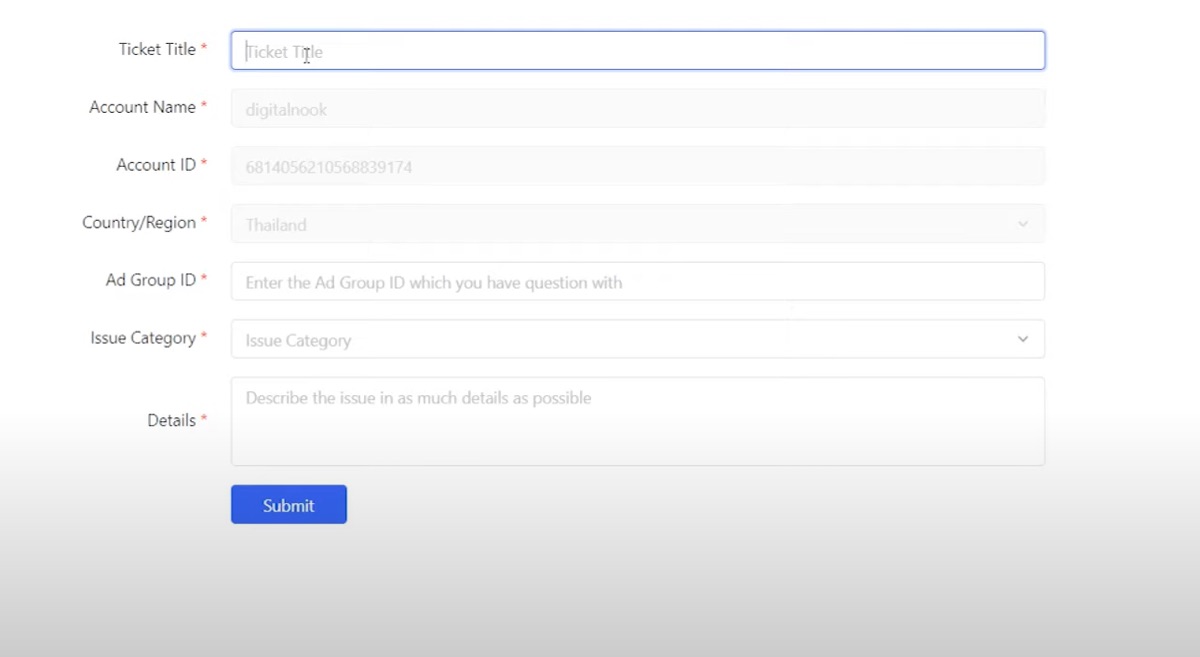
4. You can select the problem related to the topic above and click to write a petition.
Where can I track my submitted request?
You can go to the All Tickets menu page (top left corner of the screen). When you click on it, you will see 2 request boxes:
- Processing means that the request is in the review process. If it is in this stage, you will have to wait for TikTok to contact you back. We cannot speed up the process.
- Resolved means the history of requests that have been sent and have been reviewed.
Can I call Tiktok phone numbers?
Since TikTok is a large platform application, it is not possible to disclose contact information such as phone numbers to general users. Therefore, the contact channel for TikTok Thailand or TikTok in which country provides services should be contacted through support.tiktok of that country's service area.
TikTok THAILAND Company Address for Job Application or Business Contact
TIKTOK (THAILAND) CO., LTD. No. 289/3 Soi Lad Phrao 80, Intersection 22, Wang Thonglang Subdistrict, Wang Thonglang District, Bangkok
Our service
We fix TikTok cases for businesses — from ฿3,500
The two things that stall most cases are filing through the wrong channel and writing the appeal under the wrong category — so the ticket keeps bouncing between queues for weeks. We do this for businesses regularly, and can review your case and file it for you.
Covers reviewing the case and filing it for you once.
Send your case on LINE- Find the real cause from the notice and emails TikTok sent — not guessed from symptoms
- Write the appeal under the right category — the step that keeps tickets stuck in the wrong queue
- File through the correct channel once, and keep the case number to follow up
- Report back with what happened and what the next step is
These vary a lot in effort, so we look at the case first and quote after.
Have us look at it first- Shop suspended or payouts held in the system
- Ad account restricted, campaigns rejected over and over
- Cases you already filed several times that went quiet
- Assessed before we start — if it is not something we can help with, we say so
Managed TikTok ad account, priced by number of channels and contract length.
View TikTok Ads packages- Set the account up correctly from the start, which is what most restrictions come from
- Campaigns managed continuously, with reports you can audit later
- Someone picks up when something breaks — you do not start from scratch
- Rate card pricing by channel count and contract length
All fees cover reviewing and filing the case and are payable before work starts. The decision belongs to TikTok, so we do not guarantee an outcome — but we will tell you at the assessment how strong your case looks. M Creation is not affiliated with TikTok and is not a representative of the platform.
summarize
Contacting TikTok can be difficult for general users because it is an overseas platform, making it harder to contact officials directly.
As for contacting Tiktok Business, there may be some opportunities to talk to real staff, but it doesn't happen often because about 80-90% of the main contacts still require submitting a request.
Therefore, if there are any problems with the usage, it is best to use the contact channels recommended by the development team. It may be a bit slow, but it is the best way.
 Facebook
 LINE
LINE


 Chat on LINE